# Install Demo Data
### Install via Wizard
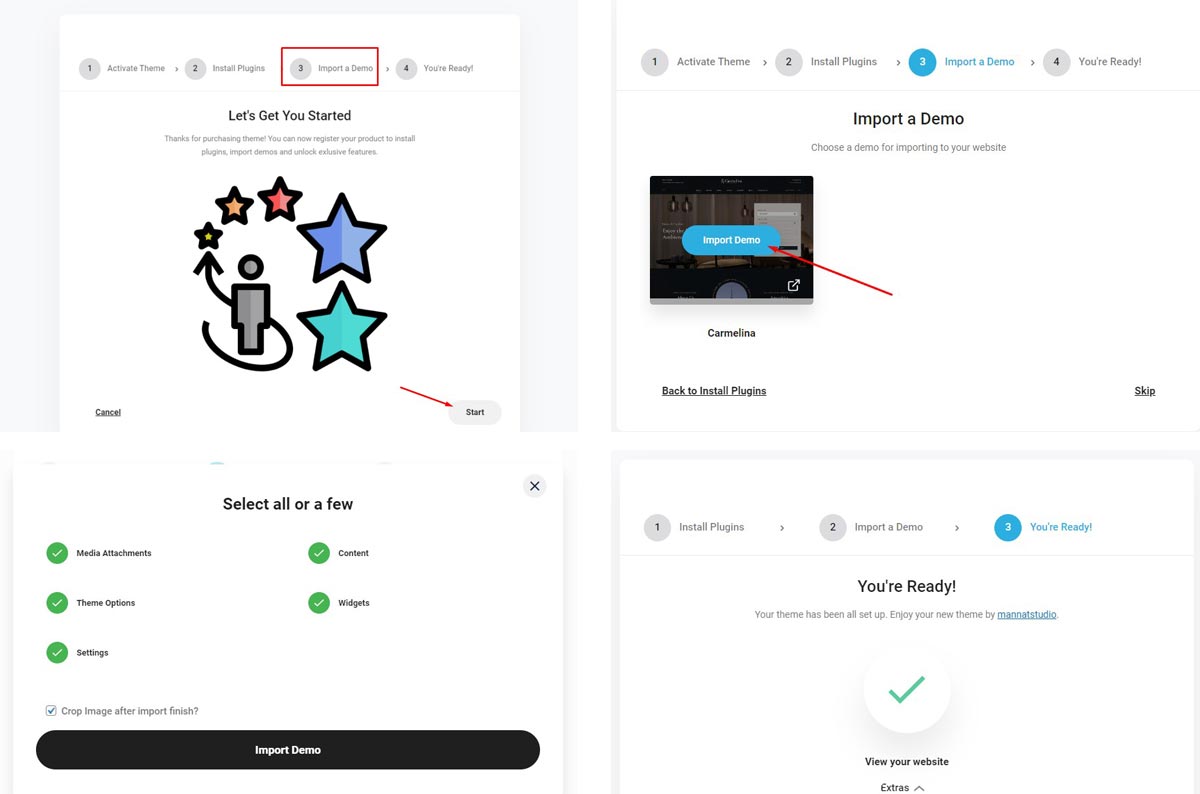
After active theme you will see a prompt to install with the steps in the popup wizard. You can easily install demo content with one click
### Install via Dashboard
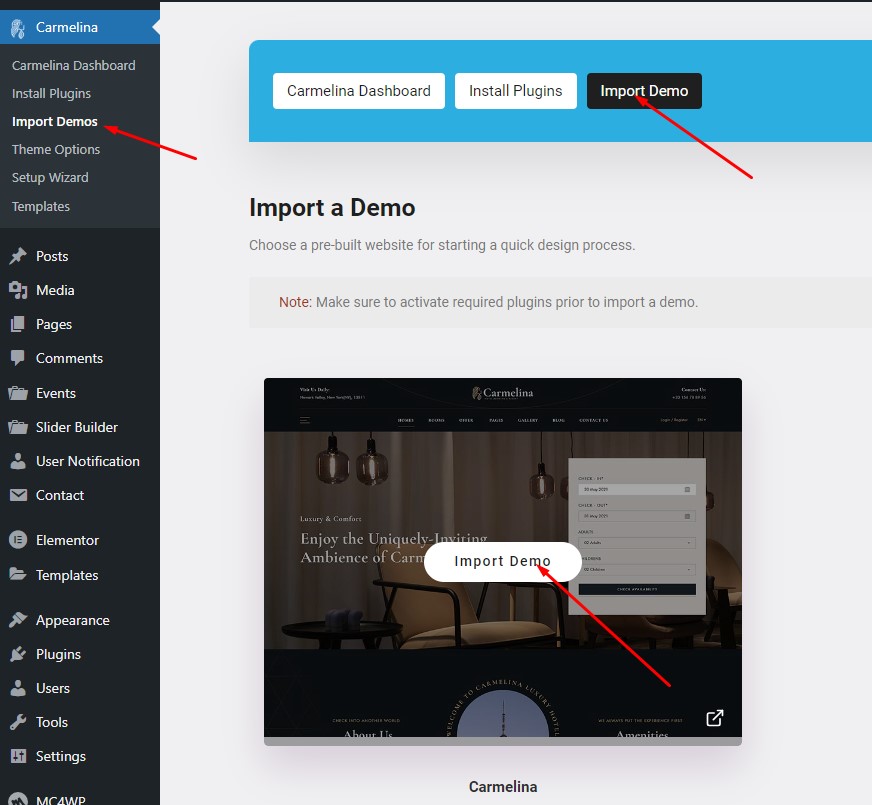
When you don't install the Demo data through the wizard, you can install it easily through the theme's control panel.
*Notice: Make sure to activate required plugins prior to import a demo.*